$ microk8s config >.kube/config  を実行しておかないと、次のようなエラーとなる。
The connection to the server localhost:8080 was refused - did you specify the right host or port?

#helmをmake
git clone https://github.com/helm/helm.git
cd helm
#ここでmakeすると go が欠落していてエラー snapでgoをインストール
sudo snap install go --classic
make
sudo make install

kubectl create namespace helm-test
namespace/helm-test created

mars@mars-VirtualBox:~$ helm install test bitnami/wordpress --namespace helm-test
WARNING: Kubernetes configuration file is group-readable. This is insecure. Location: /home/mars/.kube/config
WARNING: Kubernetes configuration file is world-readable. This is insecure. Location: /home/mars/.kube/config
NAME: test
LAST DEPLOYED: Tue Jun 22 19:46:16 2021
NAMESPACE: helm-test
STATUS: deployed
REVISION: 1
NOTES:
** Please be patient while the chart is being deployed **
Your WordPress site can be accessed through the following DNS name from within your cluster:
    test-wordpress.helm-test.svc.cluster.local (port 80)
To access your WordPress site from outside the cluster follow the steps below:
1. Get the WordPress URL by running these commands:
  NOTE: It may take a few minutes for the LoadBalancer IP to be available.
        Watch the status with: 'kubectl get svc --namespace helm-test -w test-wordpress'
   export SERVICE_IP=$(kubectl get svc --namespace helm-test test-wordpress --template "{{ range (index .status.loadBalancer.ingress 0) }}{{.}}{{ end }}")
   echo "WordPress URL: http://$SERVICE_IP/"
   echo "WordPress Admin URL: http://$SERVICE_IP/admin"

2. Open a browser and access WordPress using the obtained URL.
3. Login with the following credentials below to see your blog:
  echo Username: user
  echo Password: $(kubectl get secret --namespace helm-test test-wordpress -o jsonpath="{.data.wordpress-password}" | base64 --decode)
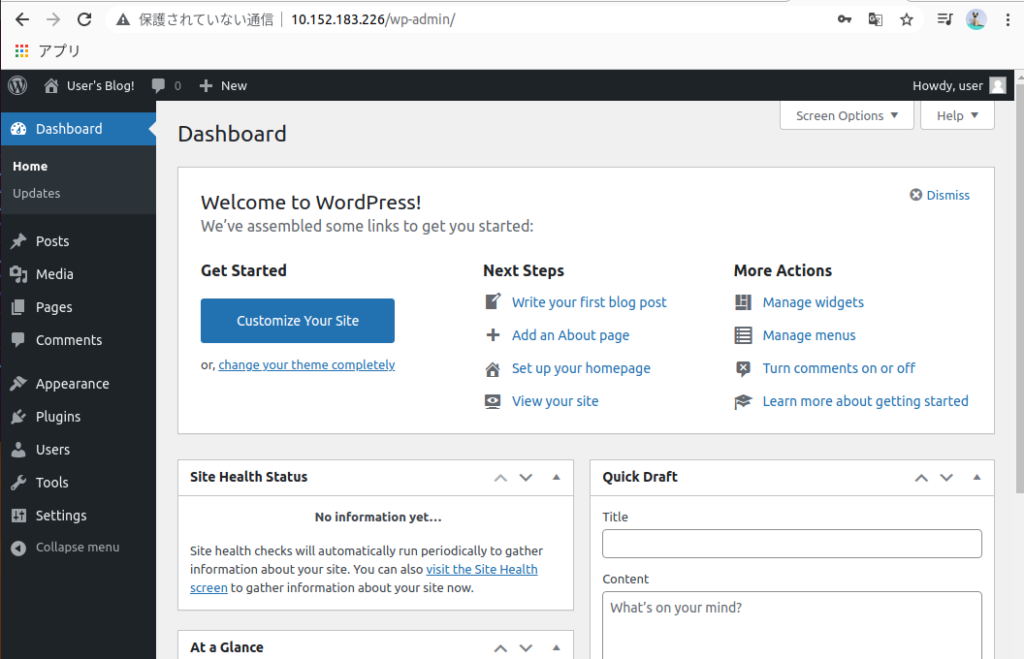
次のように、wordpressとmariadbが起動している。
helm list -n helm-test

WARNING: Kubernetes configuration file is group-readable. This is insecure. Location: /home/mars/.kube/config
WARNING: Kubernetes configuration file is world-readable. This is insecure. Location: /home/mars/.kube/config
NAME	NAMESPACE	REVISION	UPDATED                                	STATUS  	CHART            	APP VERSION
test	helm-test	1       	2021-06-22 19:46:16.598835081 +0900 JST	deployed	wordpress-11.0.16	5.7.2

$  kubectl get po -n helm-test
NAME                             READY   STATUS    RESTARTS   AGE
test-wordpress-8d8bb84b6-m5b5j   0/1     Running   0          87s
test-mariadb-0                   1/1     Running   0          87s
$ microk8s status

microk8s is running
high-availability: yes
  datastore master nodes: 192.168.68.132:19001 192.168.68.129:19001 192.168.68.111:19001
  datastore standby nodes: 192.168.68.130:19001

addons:
  enabled:
    dashboard            # The Kubernetes dashboard
    dns                  # CoreDNS
    ha-cluster           # Configure high availability on the current node
    ingress              # Ingress controller for external access
    metallb              # Loadbalancer for your Kubernetes cluster
    metrics-server       # K8s Metrics Server for API access to service metrics
    storage              # Storage class; allocates storage from host directory
  disabled:
    ambassador           # Ambassador API Gateway and Ingress
    cilium               # SDN, fast with full network policy
    fluentd              # Elasticsearch-Fluentd-Kibana logging and monitoring
    gpu                  # Automatic enablement of Nvidia CUDA
    helm                 # Helm 2 - the package manager for Kubernetes
    helm3                # Helm 3 - Kubernetes package manager
    host-access          # Allow Pods connecting to Host services smoothly
    istio                # Core Istio service mesh services
    jaeger               # Kubernetes Jaeger operator with its simple config
    keda                 # Kubernetes-based Event Driven Autoscaling
    knative              # The Knative framework on Kubernetes.
    kubeflow             # Kubeflow for easy ML deployments
    linkerd              # Linkerd is a service mesh for Kubernetes and other frameworks
    multus               # Multus CNI enables attaching multiple network interfaces to pods
    portainer            # Portainer UI for your Kubernetes cluster
    prometheus           # Prometheus operator for monitoring and logging
    rbac                 # Role-Based Access Control for authorisation
    registry             # Private image registry exposed on localhost:32000
    traefik              # traefik Ingress controller for external access
microk8s add-node

/* ノード参加に必要な以下のようなメッセージ が表示されるので、参加するノードで、microk8s joinjoinを実行 */

Join node with:
microk8s join ip-172-31-20-243:25000/DDOkUupkmaBezNnMheTBqFYHLWINGDbf

If the node you are adding is not reachable through the default
interface you can use one of the following:

microk8s join 10.1.84.0:25000/DDOkUupkmaBezNnMheTBqFYHLWINGDbf
microk8s join 10.22.254.77:25000/DDOkUupkmaBezNnMheTBqFYHLWINGDbf
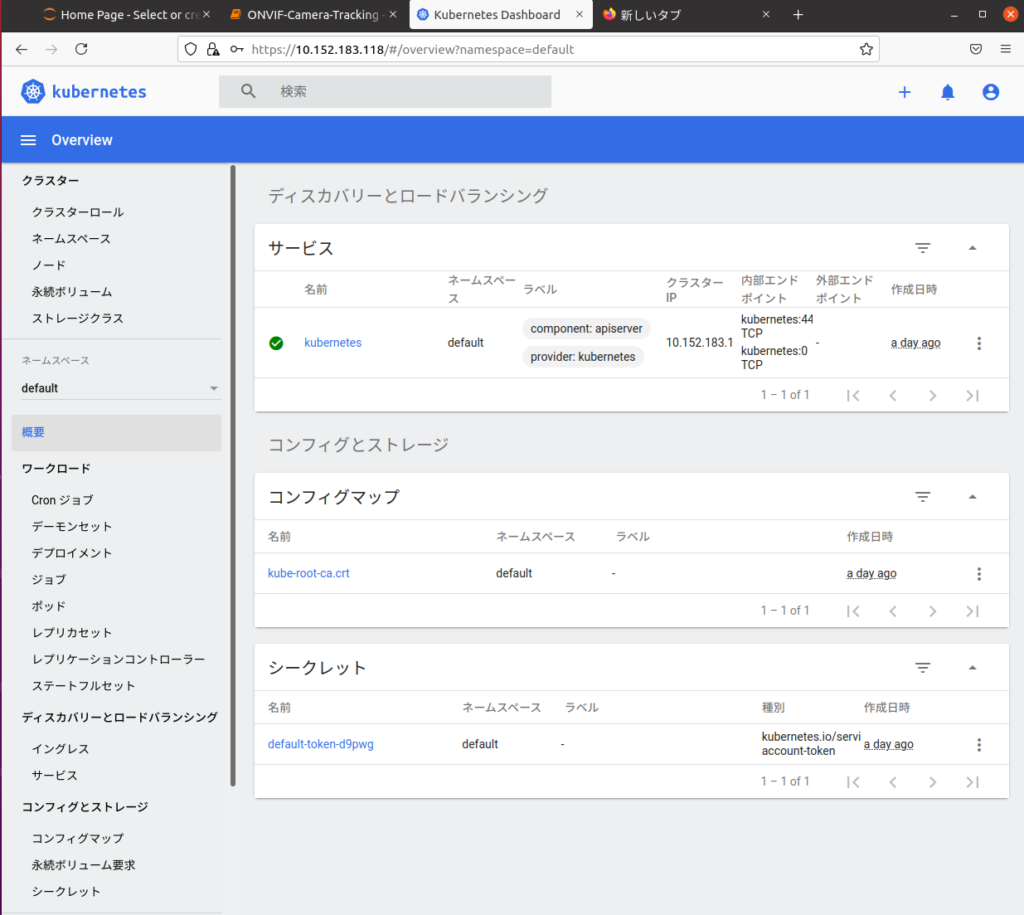
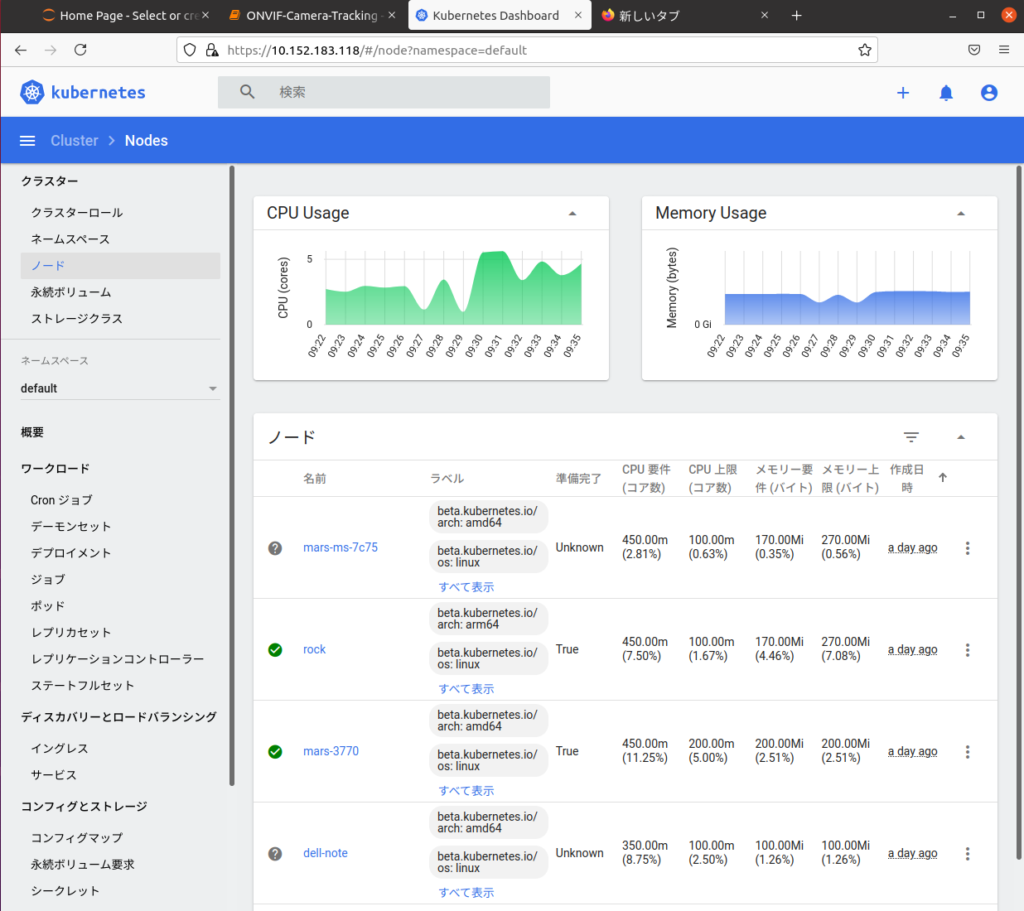
参加しているノードの表示
microk8s kubectl get no
frirewallの設定
sudo ufw allow in on cni0 && sudo ufw allow out on cni0
sudo ufw default allow routed
From the 1.19 release of MicroK8s, HA is enabled by default. If your cluster consists of three or more nodes, the datastore will be replicated across the nodes and it will be resilient to a single failure (if one node develops a problem, workloads will continue to run without interruption).
プログラム例


#include <windows.h>
#include<stdio.h>
int main()
{
  HANDLE hComm;
  int Status;
  int n;
  unsigned clockDivisor = 0;
  hComm = CreateFile("COM1",                //port name
                      GENERIC_READ | GENERIC_WRITE, //Read/Write
                      0,                            // No Sharing
                      NULL,                         // No Security
                      OPEN_EXISTING,// Open existing port only
                      0,            // Non Overlapped I/O
                      NULL);        // Null for Comm Devices
  if (hComm == INVALID_HANDLE_VALUE)
      printf("Error in opening serial port");
  else {
      printf("opening serial port successful");
      for(n=0;n<100000;n++){                         // ここのループでRF信号を放射
     	Status = EscapeCommFunction(hComm, SETRTS);  // RTS ON
      	Status = EscapeCommFunction(hComm, CLRRTS);  // RTS OFF
      }
      printf("Done...\n");
      uSleep(5000000);
      }
  CloseHandle(hComm);//Closing the Serial Port
  return 0;
}